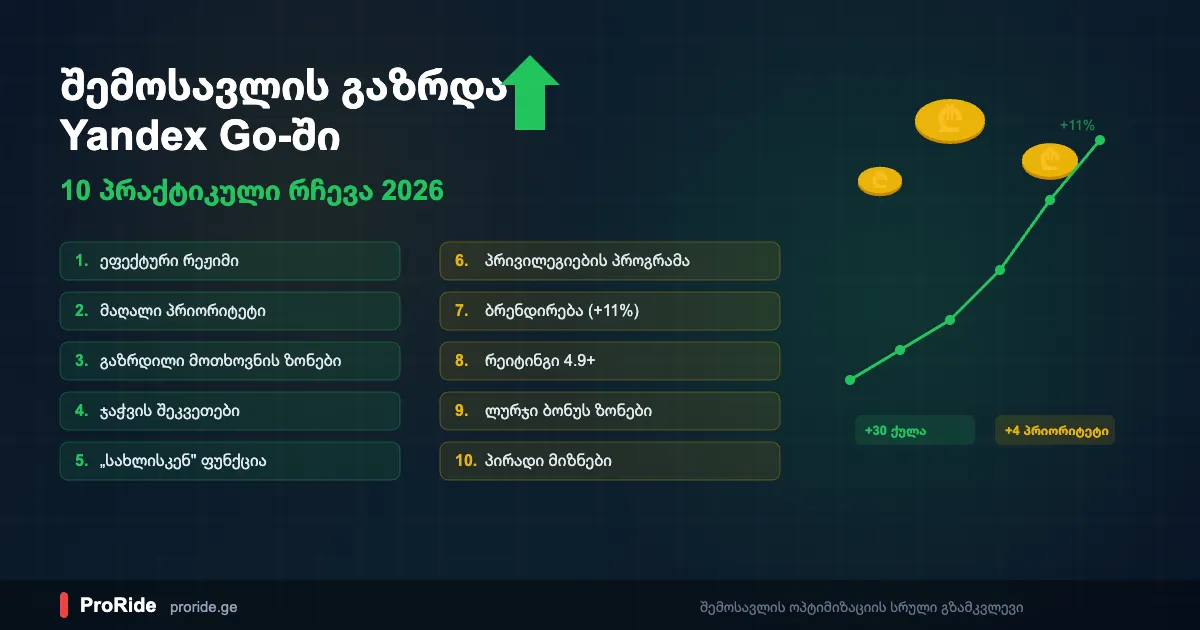
Why Income Optimization Matters
Two Yandex Go drivers working the same hours can earn very different amounts. The difference is usually knowledge of Yandex Pro: how to use priority, bonuses, surge pricing and other features. These 10 tips draw on the official Yandex Pro Knowledge Base.
Two drivers can work the same hours but earn very different amounts. The difference is often not in effort, but in knowledge of the Yandex Pro system — whoever knows how to use priority, bonuses, surge pricing, and other features clearly earns more.
These 10 tips are based on the official Yandex Pro Knowledge Base and the experience of successful ProRide drivers. Each tip is specific and practical — you can start applying them today.
1. Use Efficient Mode
Efficient mode in Yandex Pro unlocks blue bonus zones, personal goals and minimum income guarantees, with no extra commission. Flexible mode shows point B on every order, but it has none of these bonuses and charges an additional commission.
Yandex Pro has two modes: Efficient and Flexible. Many drivers choose Flexible mode because the destination (point B) is visible in all orders — but this is a mistake if you want to maximize income.
In Efficient mode, bonuses are available: blue bonus zones on the map, personal goals, and minimum income guarantees. None of these work in Flexible mode, plus an additional commission is charged.
Efficient mode always brings more income thanks to bonuses and lower commission. Point B becomes available anyway when you reach Gold or Platinum level.
| Efficient Mode | Flexible Mode | |
|---|---|---|
| Bonuses | Available | Not available |
| Point B | At Gold/Platinum level | In all orders |
| Extra commission | None | Additional commission |
| Personal goals | Available | Not available |
2. Keep Your Priority High
Higher priority in Yandex Pro means less idle time between orders. Skip as few orders as possible, avoid cancelling accepted ones because that costs far more points, and set your status to Busy instead of closing the app when you want a break.
Priority directly determines how quickly a new order arrives. High priority = less idle time = more income. A maximum of 30 points can be earned from completing orders.
Priority decreases with every skipped or canceled order, so skip as few orders as possible. If you do not want to work, set your status to "Busy" — this does not reduce priority.
- Canceling an order costs far more points than skipping — think twice before canceling an accepted order
- If a passenger does not show up for 10 minutes (within 300 m radius), cancellation is penalty-free
- When priority drops to 0, access is blocked: 1st time — 1 hr, 2nd — 2 hr, 3rd — 4 hr, 4th+ — 6 hr
- 30 days without restrictions — the counter resets
Never close the app to skip an order — the system detects this and priority drops anyway. Instead, set your status to "Busy".
3. Work in High Demand Zones
Purple zones on the Yandex Pro map mark high demand, usually in rain, at peak hours (8-10 and 17-20) or during big events. A fixed amount such as +2 GEL is added to the fare, and when the price reaches twice the base tariff, Yandex lowers its commission.
When more people want a taxi in a certain area than there are free drivers, order prices increase. These zones are marked in purple on the Yandex Pro map.
High demand most often occurs during rainy weather, peak hours (morning 8-10, evening 17-20), and mass events. A fixed amount is added to the order price — for example, "+ 2 GEL".
When the order price exceeds the base tariff by 2x, Yandex Go reduces the commission. So during high demand, you not only earn more, but the commission is also lower.
4. Keep Chain Orders Active
Chain orders make Yandex Pro search for your next order before the current trip ends, so a new ride is often waiting when you finish. The feature turns on automatically when you go online, and setting Busy during a trip pauses it.
Chain orders mean the system automatically searches for a new order before your current trip ends. This feature is enabled automatically when you go online.
The chain principle significantly reduces idle time — when a trip ends, a new order is already waiting. This directly increases hourly income.
If you want to pause the chain (e.g., for a break), during an active trip tap the yellow button in the upper left corner and set your status to "Busy". This does not reduce priority.
5. Use the "Homeward" and "On Business" Features
These features match you with passengers heading in your direction, so you earn on trips you would make anyway and drive fewer empty kilometres.
Driving home with an empty car at the end of the workday is wasted money. The "Homeward" feature searches for orders heading toward your home address — you earn money on the way home.
The "On Business" feature is similar but lets you choose any address — for example, another part of the city where there are more orders.
- "Homeward" — maximum 2 activations per day
- "On Business" — you can save frequently visited addresses
- The system may not find a perfect order — be flexible
- If arriving on time is important, simply go offline instead of relying solely on this feature
6. Level Up in the Loyalty Program
The Yandex Pro loyalty program has four levels: Bronze (300 points), Silver (3,000), Gold (8,000 and a 4.8+ rating) and Platinum (10,000 and 4.9+). Higher levels add up to +5 priority, and Gold unlocks point B visibility.
The Yandex Pro loyalty program has 4 levels. The higher your level, the more advantages you get — additional priority, point B visibility, and more.
Points are earned per trip: Economy — 26 points, Comfort — 44 points, Comfort+ — 57 points. Gold level unlocks point B visibility, Platinum — priority support and more "On Business" feature uses.
| Level | Points Required | Rating | Priority Bonus |
|---|---|---|---|
| Bronze | 300 | — | — |
| Silver | 3,000 | — | +1 |
| Gold | 8,000 | 4.8+ | +3 |
| Platinum | 10,000 | 4.9+ | +5 |
7. Brand Your Vehicle
Yandex Go branding with stickers or a full wrap gives +4 priority points, so orders come faster, and Yandex data from November 2024 shows branded cars earn up to 11% more. At some airports branded cars also get priority in the electronic queue.
Yandex Go branding (stickers or full wrap) is one of the most effective ways to increase income. According to Yandex data (November 2024), branded vehicles earn up to 11% more compared to unbranded ones.
- +4 priority points — orders come faster
- At some airports, branded vehicles get priority in the electronic queue
- Yandex periodically holds free branding events
- Branding photo control is mandatory — stickers must be in good condition at all times
Branding is especially effective if you work frequently — +4 priority points work every day and add significant income over a month.
8. Maintain a 4.9+ Rating
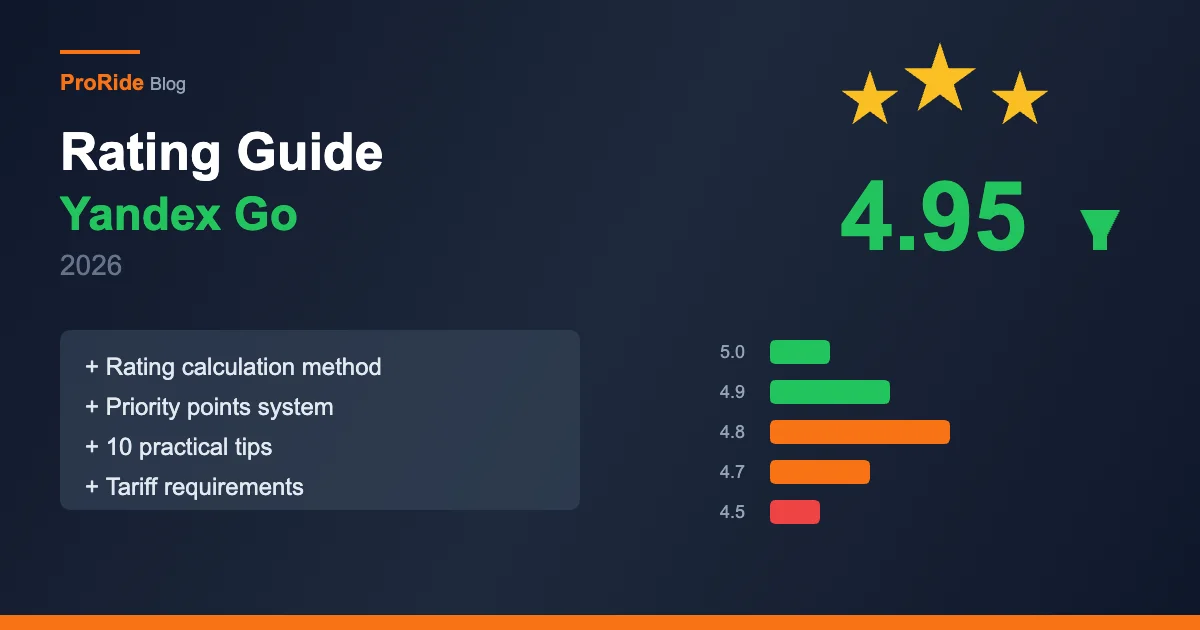
Your Yandex Pro rating sets your priority points: 4.95+ gives +3, 4.85+ gives +2 and opens the Business tariff, 4.75+ gives +1, and below 4.75 gives none. A clean interior, smooth driving and polite greetings help raise it.
Rating affects not only tariff access but also priority points. High rating = more priority = more orders = more income. For detailed advice, read our rating improvement guide.
The most effective ways to improve your rating: clean interior, smooth driving, greeting and saying goodbye, using navigation. For details, read our rating guide.
| Rating | Priority Points | Effect |
|---|---|---|
| 4.95+ | +3 | Maximum priority |
| 4.85+ | +2 | High priority + Business tariff |
| 4.75+ | +1 | Moderate priority |
| Below 4.75 | 0 | No priority bonus |
9. Work in Blue Bonus Zones
Blue zones on the Yandex Pro map pay extra bonuses during set periods, as a fixed amount, a percentage or a surcharge. You must be inside the zone when you accept the order, trips under 2 minutes do not count, and it works only in Efficient mode.
Besides the purple high-demand zones, the Yandex Pro map also has blue bonus zones. These zones activate during specific periods and provide extra bonuses — a fixed amount, a percentage, or a surcharge.
The bonus only applies if you are inside the blue zone at the moment of accepting the order. Important: short trips (under 2 minutes) do not count toward the bonus.
Blue bonus zones only work in Efficient mode. In Flexible mode, bonus zones have no effect — yet another reason to work in Efficient mode.
10. Complete Personal Goals
Yandex Pro offers personal goals, such as completing 15 trips today or working 5 days this week, generated from your city, activity and history. Finishing one pays a bonus that often carries no commission, so check your active goals every morning.
Yandex Pro periodically offers personal goals — for example, "Complete 15 trips today" or "Work 5 days this week". Upon completion, you receive a bonus amount on which commission is often not charged.
Goals are individual — each driver has their own goals, generated based on city, activity, and history.
Every morning, check active goals in Yandex Pro and plan your day to complete them. This is the best way to earn "free" money.
Bonus Tip: Minimum Income Guarantee
Yandex Go has a minimum income guarantee: if you complete a set number of trips and your income stays below the planned minimum, Yandex pays the difference. It works only in Efficient mode and only for trips longer than 2 minutes.
Yandex Go has a minimum income guarantee system. This means that if you completed a certain number of trips but your income did not reach the planned minimum, Yandex compensates the difference.
For example, if the guarantee is "minimum 20 GEL for 4 orders" and your 4 orders only brought 16 GEL, the system automatically adds 4 GEL.
The guarantee only works in Efficient mode and only for trips lasting more than 2 minutes. Yet another reason to choose Efficient mode.
Summary — All Tips in One Table
The ten Yandex Pro income tips are Efficient mode, high priority, high demand zones, chain orders, Homeward and On Business, the loyalty program, branding (up to 11% more income), a 4.9+ rating, blue bonus zones and personal goals.
Here are all 10 tips and their impact:
| Tip | What It Gives | Difficulty |
|---|---|---|
| Efficient mode | Bonuses + less commission | Easy |
| High priority | Less idle time | Medium |
| High demand zones | Higher price + lower commission | Easy |
| Chain orders | Less idle time | Easy |
| "Homeward"/"On Business" | No empty trips | Easy |
| Loyalty program | Priority + features | Long-term |
| Branding | up to +11% income, +4 priority | Medium |
| 4.9+ rating | Priority + higher tariff | Medium |
| Blue bonus zones | Extra bonuses | Easy |
| Personal goals | Commission-free bonus | Easy |