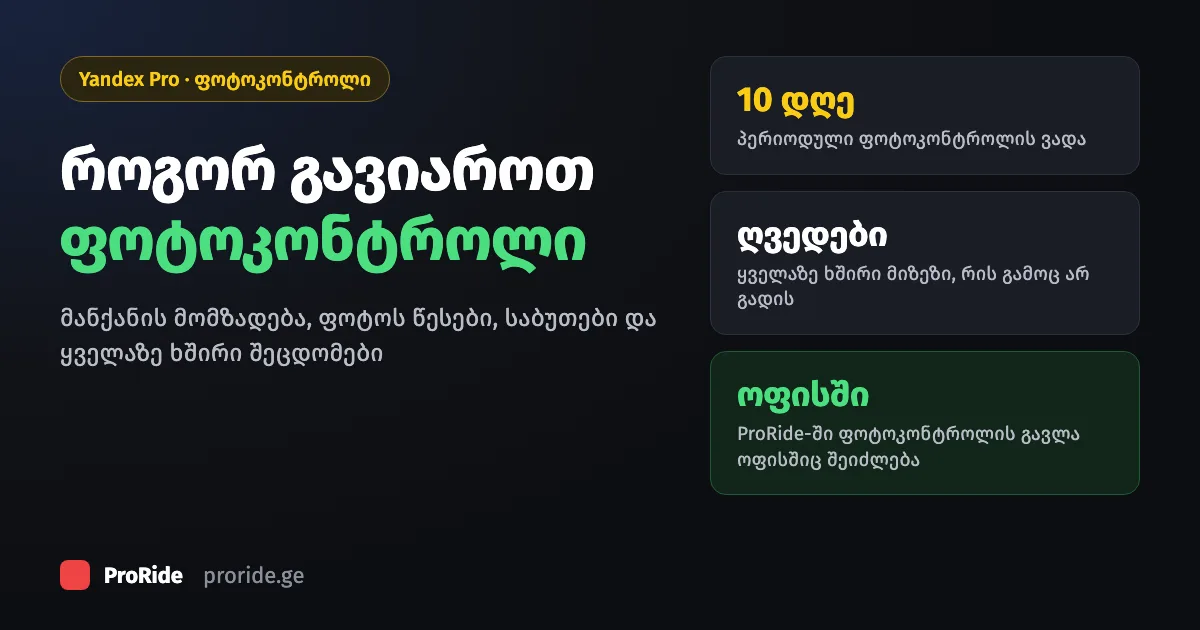
What photo control is
Photo control is a remote check of your car and documents in Yandex Pro. It gives you access to orders or extends it.
There are two kinds of photo control:
- One-time: when you register and when your details change, for example when you add a new car.
- Periodic: once every 10 days.
The basic requirements
You need Georgian state plates and a car with at least 4 doors. Photograph only the car in your profile, and do not miss the deadline.
These rules apply to every driver:
- Georgian state plates: you can only work in Georgia with them.
- At least 4 doors.
- Photograph only the car listed in your Yandex Pro profile.
- If you are late with photo control, access to orders is blocked for a while and comes back after you pass.
Which cars you can drive is covered in our article on car requirements.
How to prepare the car
Clean the interior and body, check the seatbelts, make sure the plate is readable, and remove any advertising from the side windows.
Before you take the photos, go through this list:
- 1The interior is clean with loose items removed. A child seat is fixed to the back seat.
- 2The body is clean and undamaged (minor scratches are fine), with every part in place.
- 3No advertising on the side windows. Any damage to branding is no bigger than an A4 sheet.
- 4Seats have no stains or damage, mats lie flat, headrests are clean.
- 5The number plate is fully in frame, clearly readable and matches your Yandex Pro profile.
- 6Every body panel is the same colour.
- 7Seatbelts work and are ready to use.
- 8In Comfort and Comfort+, two thirds of the boot is free for passenger luggage.
How to take the photos
Shoot in daylight or a well-lit place, sharply and inside the app's frames. Old photos and screenshots are not accepted.
Photo quality decides a lot:
- Shoot in daylight or somewhere well lit. Use the flash for the interior.
- The photo must be sharp: not blurred, dark or overexposed.
- Old photos and screenshots are not accepted.
- Branding and a child seat need separate photos.
- Follow the frames and prompts in Yandex Pro.
The document check
For the document check you need your passport, driving licence and the car's registration certificate. The passport must be the original, not a copy.
What to photograph:
| Document | What to photograph |
|---|---|
| Passport | The main page with your photo, the address page and a selfie |
| Driving licence | Both sides and a selfie |
| Vehicle registration | Both sides. Make, model, colour and year must match your profile |
Why photo control fails
Most often because of seatbelts: they are not visible in the photo, hidden behind a seat, the buckle is covered, or the belt is faulty.
The most common reasons:
- Seatbelts are not visible in the photo, or missing.
- Seatbelts are hidden behind the seat backs or tied up.
- Buckles are covered by objects or seat covers.
- A belt or buckle is faulty.
- A branded car has an advertising screen.
If you did not pass, take new photos that address the remarks and send them again.
Where to find photo control in Yandex Pro
"Diagnostics" shows access restrictions, "Photo Control" shows every check, and results arrive in "Alerts".
If orders stop coming in, open "Diagnostics" first: it shows whether the restriction is about photo control. For other problems, see Yandex Pro not working.
Cannot pass online? Do it at the ProRide office
ProRide drivers can also do photo control at our office in Tbilisi: 26a Shalva Nutsubidze Street.
If your photos keep failing or the problem is unclear, come to the office or call: +995 504 221 696. For ProRide's other services, see our taxi park guide.