First, find out what kind of block it is
Open Yandex Pro and check Diagnostics: it shows every limit on your access to orders. Photo Control lists your checks, and Alerts shows their results.
Blocks in Yandex Pro come in three main kinds, and each has its own way out:
- A temporary restriction: your priority fell to 0. It ends on its own.
- A photo control block: a check is late or failed. It lifts after you pass.
- An account block: for breaking the rules. Yandex support reviews it.
Temporary restriction: priority at zero
If you skip or cancel many orders, your priority can fall to 0 and your access to orders is restricted for a while.
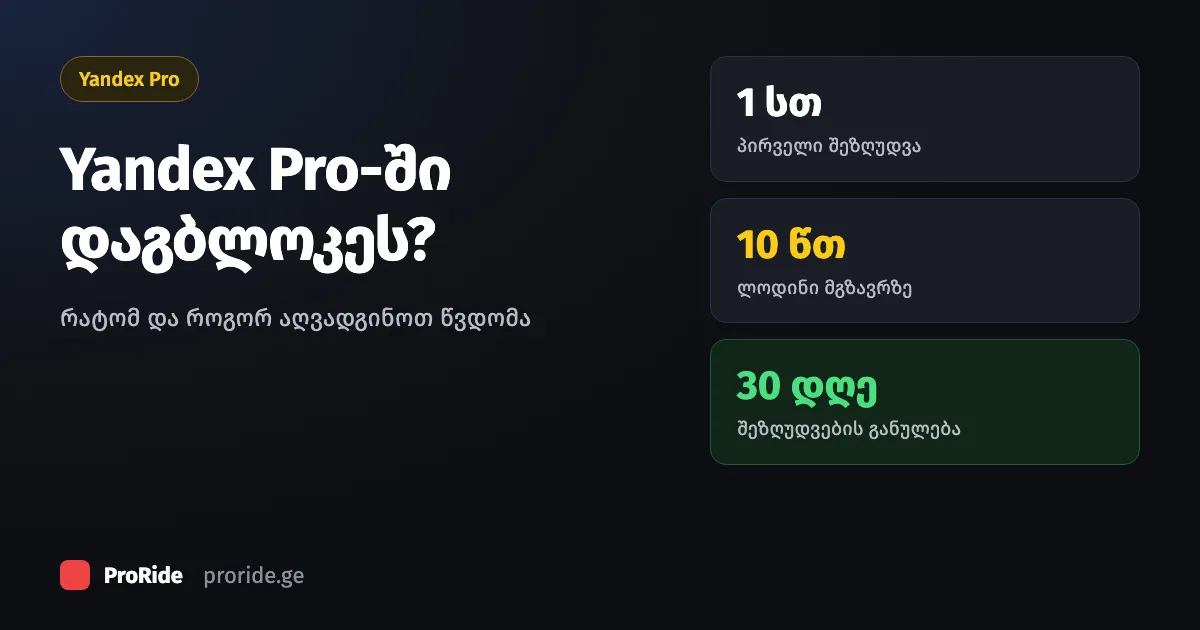
Restrictions get longer, up to 6 hours. After 30 days without one, the next is back to 1 hour.
After a restriction, priority comes back as you complete orders in a row, without skipping or cancelling. Cancelling costs more than skipping. The full points table is in why orders are not coming in.
| Restriction | How long |
|---|---|
| First | 1 hour |
| Second | 2 hours |
| Third | 4 hours |
| Fourth and later | 6 hours |
When you do not lose points
You keep your points when you skip a far-away order, cancel over an inappropriate comment, cancel a no-show by the rule, and in the airport queue.
These exceptions are Yandex rules:
- An order with a long pickup or a long trip can be skipped in any mode.
- If the passenger left an inappropriate comment on the order, cancelling does not lower your priority.
- The passenger did not show up: stay within 300 metres of the pickup point, wait 10 minutes, then cancel. If you are farther away or cancel before 10 minutes, you lose points.
- In the airport electronic queue, priority does not affect who gets the order.
If you cannot or do not want to take orders, switch on the Busy status: you will not lose points.
Photo control block
If you are late with photo control, access to orders is blocked for a while and comes back after you pass the check.
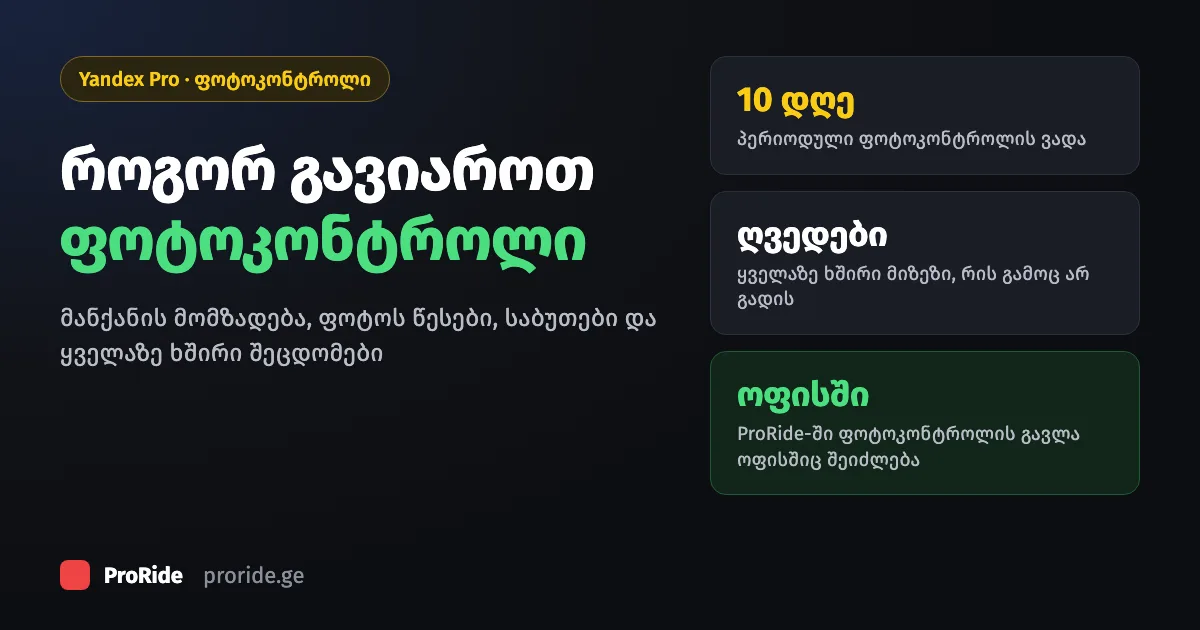
Periodic photo control is once every 10 days. If your photos keep failing, ProRide drivers can also do the check at our Tbilisi office, 26a Shalva Nutsubidze Street. How to get the car and documents ready is in our photo control guide.
Low rating
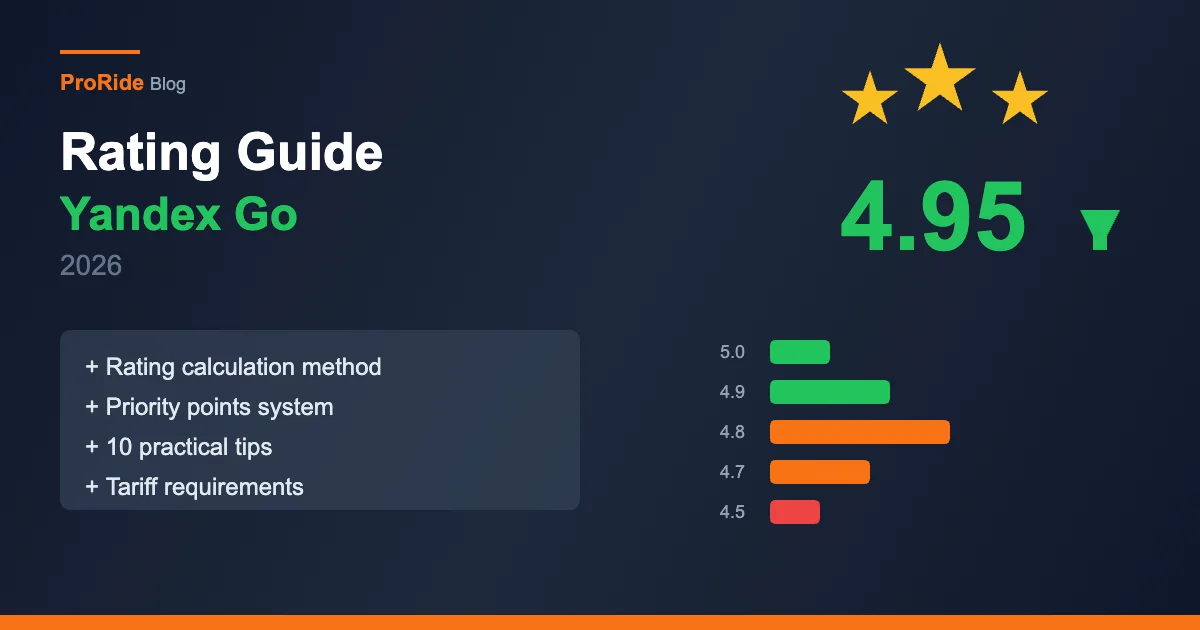
Rating is one of the sources of priority points, so a falling rating means fewer orders.
How rating is counted and how to raise it is in our rating guide.
Yandex blocked the account
If Diagnostics shows an account block rather than a timed restriction, the decision is Yandex's. Write to Yandex support from the app.
A park cannot lift a block Yandex has placed. If it is about your documents or car details, we help you put them right at the ProRide office.
Withdrawal says "Restricted"
If the withdrawal button in the ProRide portal says "Withdrawal Restricted", that is not a Yandex block. Contact us: +995 504 221 696.
How withdrawals work is in our withdrawal guide.
Who to contact
Yandex support for restricted access to orders and account blocks; your park for photo control, documents and withdrawals.
Writing to the right place saves time:
| Problem | Who to contact |
|---|---|
| Restricted access to orders | Yandex support, from the app |
| Account block | Yandex support, from the app |
| Photo control and documents | Your park (at ProRide, the office too) |
| Withdrawals | Your park |